Phone Case DIY
CrazyLabs LTDSimulation
4.311.24K Reviews
- Version
- 4.9.1.1
- Installs
- 100.00M
- Age Rating
- Everyone
Screenshots
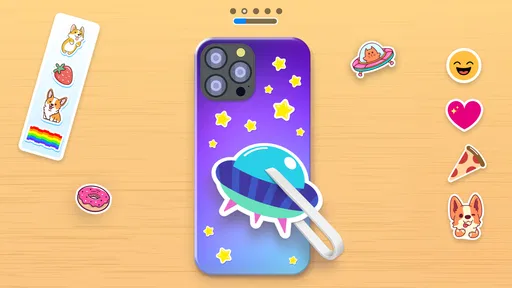
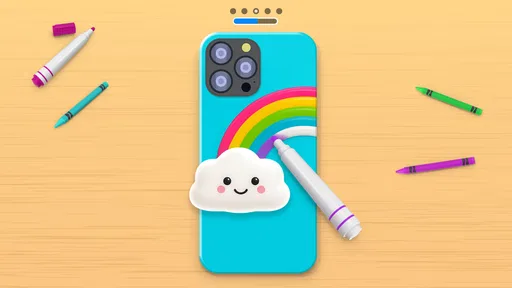
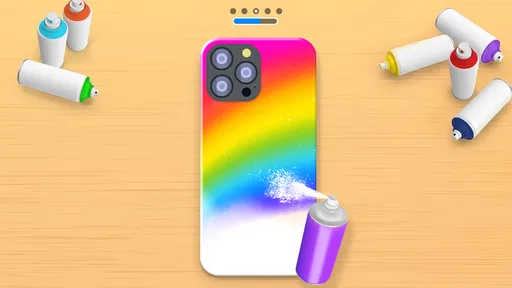
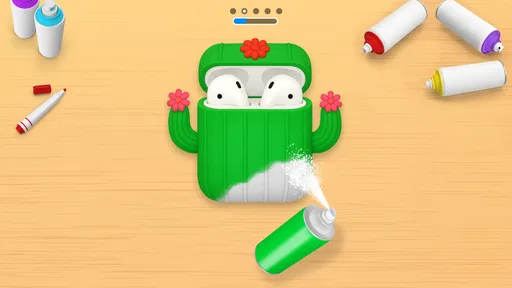
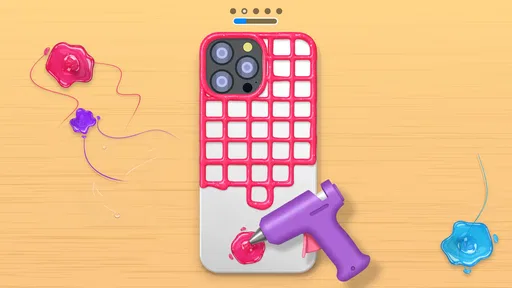
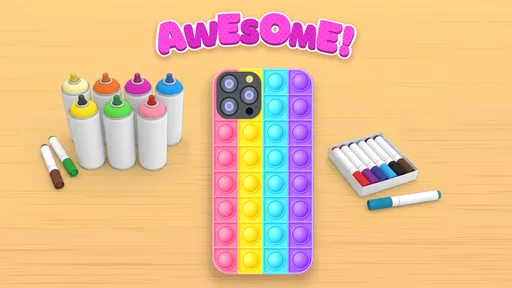
Our Review of Phone Case DIY
 Analysis by Appyee
If you're someone who loves to add a personal touch to your gadgets, then Phone Case DIY is an app you’ll definitely want to explore. It’s like having your own mini design studio right on your phone. You can create your very own phone case designs to suit your unique style. Let’s dive into what makes this app a must-try!
Getting Started with Creativity
Once you open Phone Case DIY, you’re greeted with a user-friendly interface that’s as colorful as it is intuitive. It’s not just about making cases—it’s about expressing yourself through art. The app offers a variety of templates to start with, which is great if you need a little inspiration to get your creative juices flowing. I was immediately drawn to the vibrant palette and the plethora of design tools available.
Design Tools Galore
What’s really exciting is the extensive range of design tools at your disposal. You can choose from a wide array of colors, patterns, and textures. There are also stickers and decals to add a little extra flair. I spent a good chunk of time playing around with the different brushes and effects—it’s like having a pocket-sized art studio!
The app also allows you to import images, which means you can use personal photos to create a truly bespoke design. I tried uploading a picture of my cat, and voila, I had the cutest custom phone case ever. It’s a fantastic feature for anyone who wants to carry a piece of their life wherever they go.
Simple and Fun Process
Creating and finalizing a design is straightforward. The app guides you through each step, from the initial concept to the final product. I found the process not only easy but genuinely fun. The drag-and-drop functionality is seamless, and the previews give you a realistic idea of what your finished case will look like.
There’s also an option to share your creations with friends. I ended up sending my designs to a couple of friends who were eager to try the app themselves! It’s a great way to show off your creativity and maybe even inspire others to get crafty.
Why You’ll Love It
One of the standout features of Phone Case DIY is how it encourages creativity while being incredibly accessible. You don’t need to be a professional designer to create something beautiful. The app makes it easy for anyone to dive in and start designing. Plus, it’s a great way to unwind and relax. I often found myself lost in the process, completely absorbed in picking colors and patterns.
For those who love sharing their personality through their phone accessories, this app is a game-changer. You get to design cases that truly reflect who you are, and that’s something special. Whether you want something chic and minimalist or bold and colorful, the app has you covered.
The Final Word
In a world where personalization is key, Phone Case DIY offers a delightful way to make your phone stand out. It’s a perfect blend of creativity and functionality, allowing users to craft something that’s not only practical but also a reflection of their personal style. If you’re looking for a fun and engaging way to customize your phone, this app is definitely worth a download.
So, grab your phone, unleash your inner artist, and start designing your masterpiece today. Trust me, you’ll be hooked!
Verdict
Strengths of Phone Case DIY
- Highly customizable design options.
- User-friendly interface for easy navigation.
- Vibrant color palette for creativity.
- Regular updates with new features.
- Compatible with most devices.
Limitations of Phone Case DIY
- Limited design templates available.
- In-app purchases can be pricey.
- Occasional lag on older devices.
- Ads can disrupt the design process.
- Limited sharing options for creations.
Other Releases by CrazyLabs LTD
View All
Hair Dye
Role Playing4.4

Monster High™ Beauty Salon
Role Playing4.5

AMAZE!
Puzzle4.6

Miraculous Ladybug & Cat Noir
Action4.5
Similar Picks in This Category
View All
Truckers of Europe 3
Wanda Software4.3

Town Building Life Simulator
XGame Global4.2

Fidget Toys Trading・Pop It 3D
Freeplay Inc4.7

Sculpt People
CrazyLabs LTD4.4

Scary Teacher 3D
Z & K Games4.2

Hair Tattoo: Barber Shop Game
CASUAL AZUR GAMES4.3
Frequently Asked Questions
What is Phone Case DIY and how does it work?
Phone Case DIY is a creative app that allows users to design and personalize their phone cases. Users can choose from a variety of templates, colors, stickers, and patterns to create unique designs. The app provides tools to edit and customize each element, ensuring a personalized look for your device.
Is Phone Case DIY free to use, or are there in-app purchases?
Phone Case DIY is free to download and offers a range of design tools at no cost. However, it also includes in-app purchases for premium features and additional design elements. These can enhance the customization experience, but they are optional and not required for basic use.
What are the system requirements for installing Phone Case DIY?
Phone Case DIY is compatible with most Android and iOS devices. It requires Android version 5.0 and up, or iOS 11.0 or later. The app is optimized for both smartphones and tablets, ensuring a smooth user experience across different devices.
Can I share my designs from Phone Case DIY on social media?
Yes, Phone Case DIY allows you to share your creations directly from the app to various social media platforms. This feature makes it easy to showcase your designs with friends and followers. You can also save your designs to your device’s gallery for later use or printing.
Does Phone Case DIY offer customer support for troubleshooting issues?
Phone Case DIY provides customer support through their in-app help section. Users can find FAQs, troubleshooting guides, and contact forms for direct assistance. The support team is responsive and aims to resolve any issues you might encounter while using the app.
Play our best games!


